Who starts the standup?
Pick the first speaker instead of going round the same order every day. With No Repeats on, the order is different each week and still covers everyone.
FOR TEAMS AND MEETINGS
Daily standup, retrospective, icebreaker question or demo turn: paste your team, catch a pixel bug and a name appears. Bug Garden is a free random picker that takes a few seconds on a shared screen.
By default each pick is independent, so a name can repeat. Turn on No Repeats in Settings and everyone gets exactly one turn before the rotation starts over.
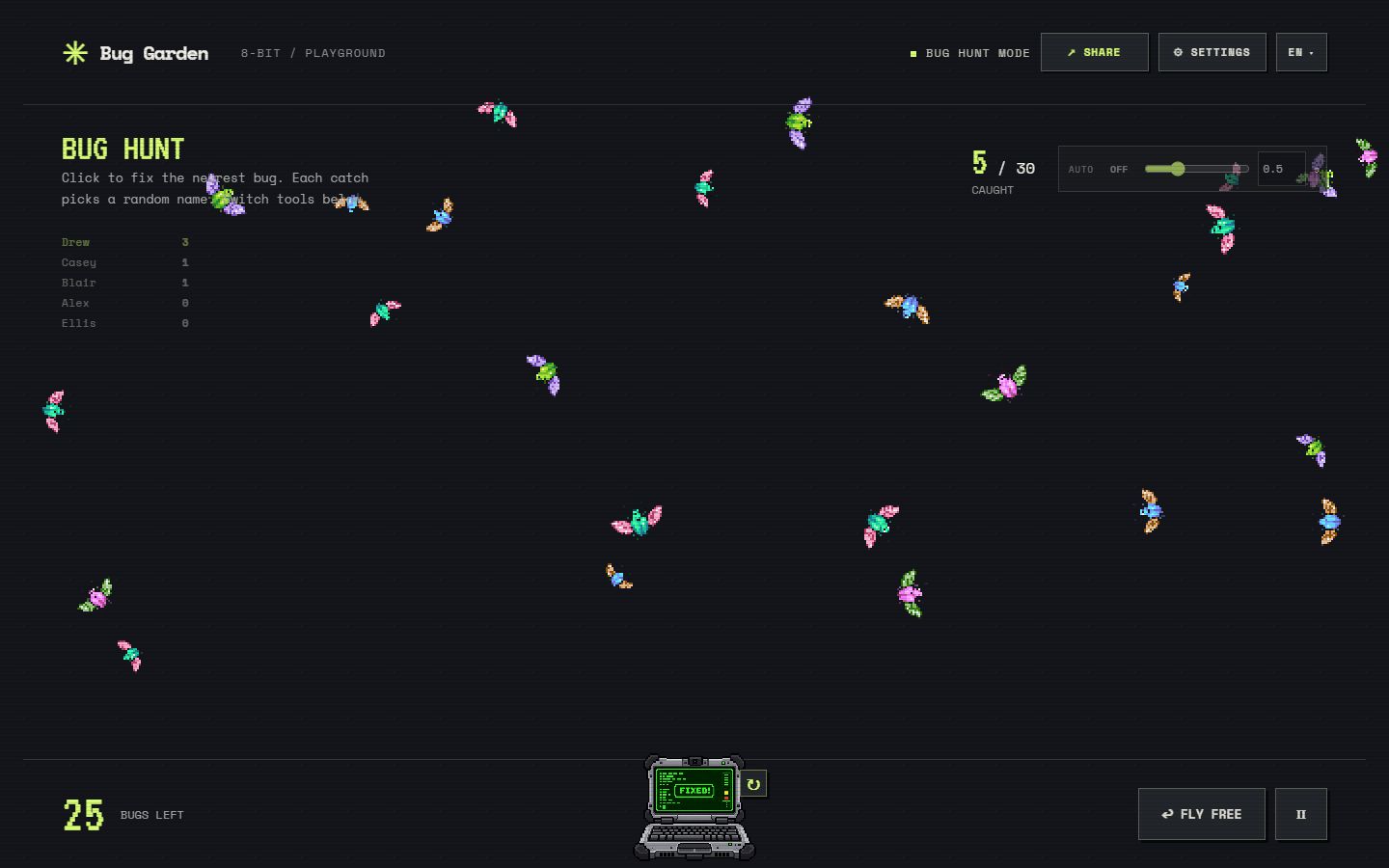
Pick the first speaker instead of going round the same order every day. With No Repeats on, the order is different each week and still covers everyone.
Ask one light question, pick a name, let the person answer, then pick again. Keep the pass option open for anyone who prefers to skip.
Choose who demos first, who reviews the next pull request or who takes notes. The pick is random, so nobody has to volunteer every time.
The points in Bug Hunt count random selections, not contribution or performance. Use a short Bug Hunt round only as a playful break, not as a measure of anything.
Turn on No Repeats in Settings. Each person is picked once before anyone is picked again, and the rotation continues across picks and page reloads in the same browser. Choose Start New Rotation at the start of the next session to begin again with the full team.
Share the browser window in Zoom, Google Meet or Teams, or project it in the room. Try the sample list before the meeting to check text size, and press Space to catch a bug without reaching for the mouse. See the comparison with a name wheel if your team already uses a spinner.
Names and game settings are processed in the browser, and the current list is saved locally when storage is available. Participant names are excluded from the game’s analytics events. A shared game link contains the names, so share it only inside the team. Read the privacy policy.
Yes. Turn on No Repeats in Settings. Each team member is picked once before anyone is picked again. Without it, every pick is independent and names can repeat.
Yes. Open Bug Garden in a browser and share that window or your screen. Nothing needs to be installed by the other participants.
Your current list, settings and rotation are saved in this browser when local storage is available. Return on the same browser to reuse them.
Yes. The browser uses Web Crypto to choose an unbiased random index from your list. Catching a particular bug does not select a particular person. Read the explanation.
No. It reveals a name through a short bug-catching game instead of a spinning wheel. See the wheel comparison.
Yes. You can enter names, use Quick Pick and play Bug Hunt for free. No account or installation is required.
Teachers use the random student picker to choose who answers next, and hosts use the giveaway winner picker for prize draws. The game and the random selection are the same; only the setup copy changes.