One line per entry
Paste usernames one per line. Blank lines are ignored.
FOR GIVEAWAYS AND CONTESTS
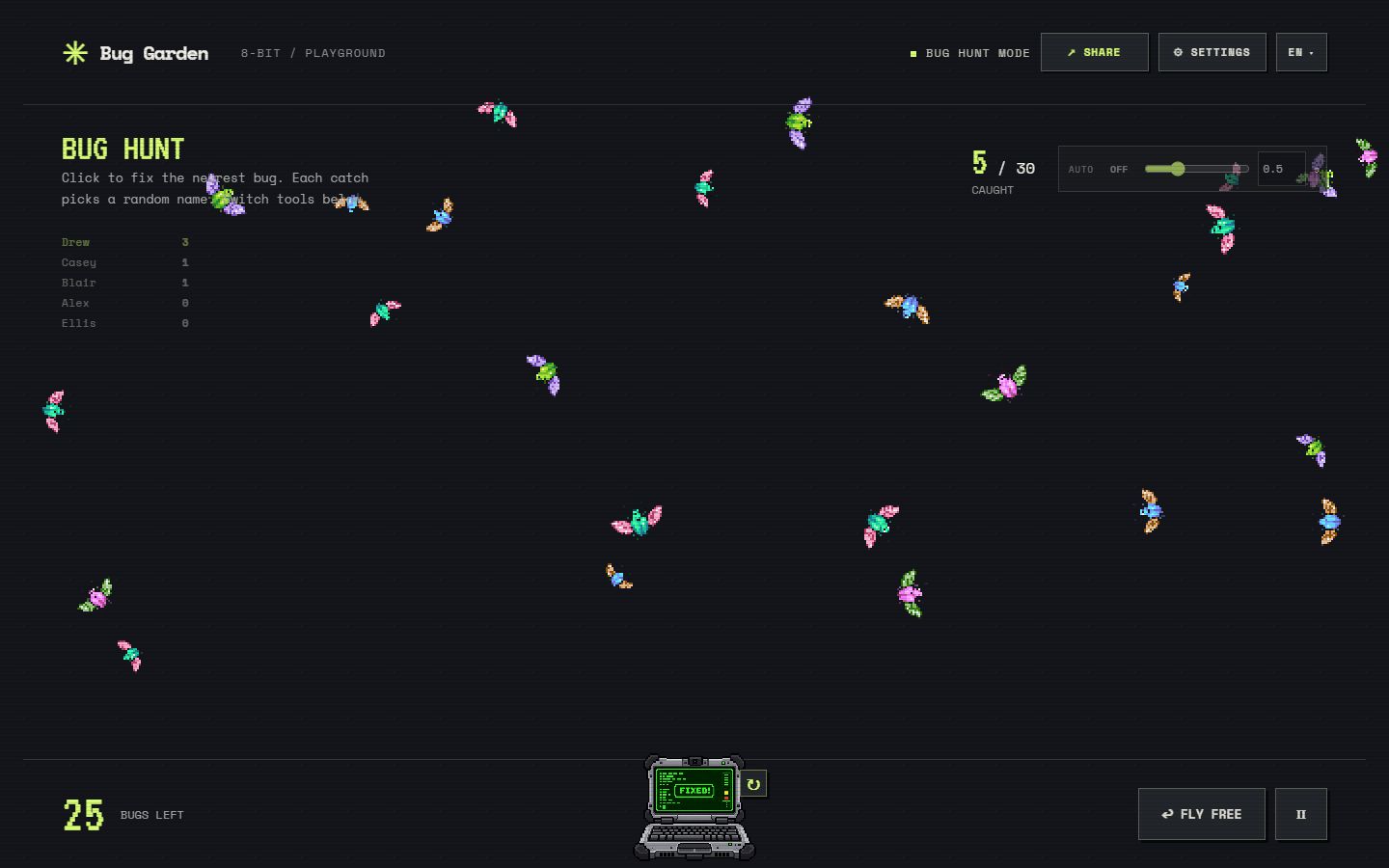
Paste your entrants, catch a pixel bug and reveal the winner on screen. Bug Garden is a free random winner picker that turns the draw into a short game your audience can watch.
Every entrant has the same chance on each draw. Turn on No Repeats in Settings when you have several prizes, so nobody wins twice in the same rotation.
Bug Garden does not connect to Instagram, YouTube, TikTok, Facebook or any other platform, and it does not read comments for you. You bring the list: export or copy the usernames from the platform, or type them in. That keeps the draw simple and keeps your audience’s data out of a third-party integration.
Paste usernames one per line. Blank lines are ignored.
If each person should have exactly one chance, remove duplicate usernames before you draw. Keep duplicates only when extra entries are part of your rules.
The Shuffle button in Settings reorders the list. The order does not change the odds, but it reassures viewers that the list is not sorted in anyone’s favour.
For each catch the browser asks Web Crypto for an unbiased random index into your list. Catching a bug on the left or on the right, early or late, does not change who is selected. The selection is made in your browser; nothing is sent to a server. Read how Bug Garden picks names for the exact method and the tie rules used in Bug Hunt.
Open Bug Garden on the screen you are sharing or recording, add the entrants while the audience watches, then catch the bug live. A recording of the whole sequence is usually enough evidence for a public giveaway. The game does not produce a certificate or a signed log.
Without No Repeats, every draw is independent and the same name can repeat. That is correct when one person may win several prizes; otherwise turn the option on before the first draw.
Names and settings are processed in the browser, and your current list is saved locally when storage is available. Participant names are excluded from the game’s analytics events. A shared game link contains the names, so share it only with people who may see the full list. Public usernames are usually fine; do not paste email addresses, phone numbers or order numbers. Read the privacy policy.
No. It has no platform integrations. Copy or export the usernames yourself and paste them one per line.
Yes. The browser uses Web Crypto to choose an unbiased random index from your list. Which bug you catch does not affect who is picked. Read the explanation.
Record your screen or run the draw during a live stream, from pasting the list to catching the bug. Bug Garden does not generate a certificate.
Yes. Turn on No Repeats in Settings, then use Pick Again for each prize. Each entrant is picked once before anyone is picked again.
By default, yes, because each draw is independent. Turn on No Repeats if each person may win only one prize.
Yes. You can enter names, use Quick Pick and play Bug Hunt for free. No account or installation is required.
Yes. Open the site in a browser window and capture it in your streaming software. Try the sample list first to check text size at your stream resolution.
Many giveaways use a spinning wheel. Bug Garden gives the host something to do during the reveal and keeps the odds equal for every entrant. See the comparison with a name wheel, or the classroom picker and meeting picker for other uses of the same game.